
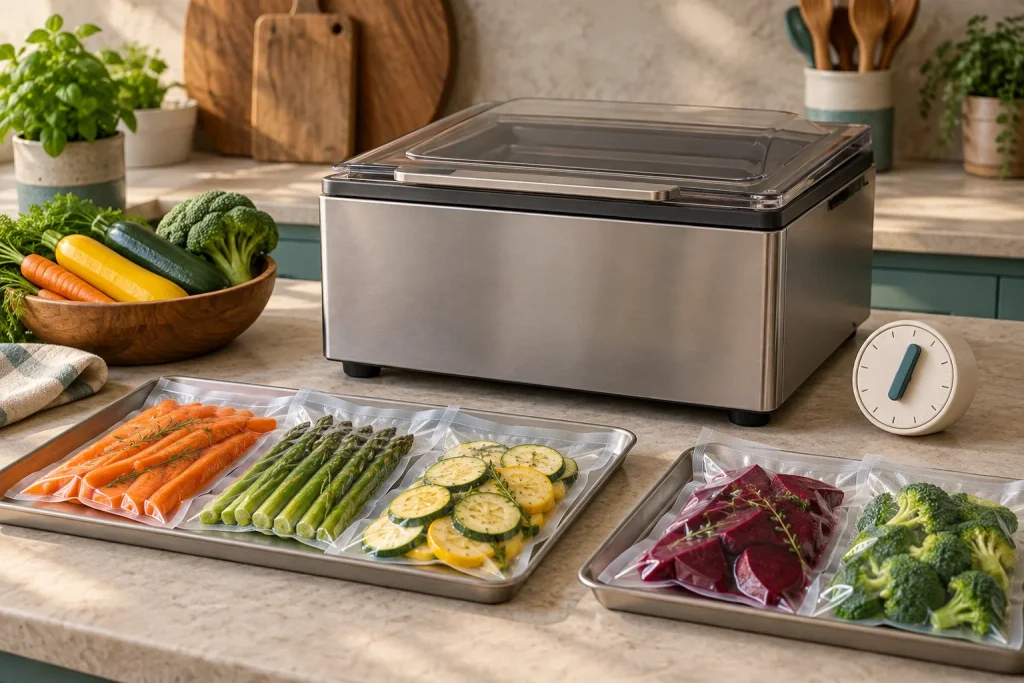
Chamber vacuum sealer cooldown time and continuous-duty claims describe different parts of a workload. A short vacuum setting does not establish how quickly you can finish a batch, and a dry pump does not establish permission to run the appliance without rest.
Use the exact model’s documented cycle, cooling and session requirements. Where the manufacturer has not supplied a limit or rest duration, ask for it rather than importing a number from another machine.
Separate four kinds of time
| Time | What it includes | Why it matters |
|---|---|---|
| Vacuum interval | Selected evacuation stage | Only one part of a package cycle |
| Full machine cycle | Vacuum, seal, cooling and venting as applicable | Closer to the actual machine wait |
| Between-cycle pause | Any required delay before the next package | Can limit throughput independently of pump speed |
| Session rest | Longer break after a specified workload | Prevents an unsupported nonstop-use assumption |
Filling, loading, inspecting and cleanup sit outside some or all of those figures. A “30-second” setting may refer only to a selected stage; read the context before turning it into bags per hour.
A real example of model-specific guidance
LEM’s chamber workshop distinguishes the 1745 MaxVac Pro from the oil-pump 1380 Pro+. It tells users to rest the 1745 after 30 continuous seals and recommends 30 seconds between seal cycles for the heating elements to cool.
The same page does not give a precise duration for the longer rest after that 30-seal batch. Do not invent one. Obtain the current 1745 manual or written support guidance before planning a session around it.
This example is valuable because it separates a batch count from a between-cycle pause. It is not a category-wide rule and should not be copied to an Anova, Avid Armor or VacMaster machine.
Why “maintenance-free” does not mean continuous-duty
An oil-free pump can avoid an oil-change task while the appliance still contains a heated sealing assembly, motor, electronics and cooling system. The pump description does not define the thermal behavior of the whole machine.
Similarly, an oil-pump design is not universal proof of unlimited duty. It needs its own documented workload and maintenance conditions. Compare actual models and instructions rather than turning pump type into a shortcut.
Read our oil versus dry-pump comparison for ownership differences. That is a separate question from how long a particular sealer can work before a rest.
A fan running after the cycle is not a timer instruction
Avid Armor’s USV20 technical support describes continued fan operation after a cycle. That behavior should not be reinterpreted as either a mandatory wait of the same length or authorization to keep sealing until the fan stops.
Identify the actual instruction for starting the next package. A display returning to ready, a fan continuing to run and a maximum session count can each describe something different.
If the manual and a support page conflict, give support the exact model and document revision. Do not choose the number that produces the highest bags-per-hour calculation.
Estimate a batch honestly
List the tasks in order: prepare bags, fill, clean openings, load, run the full cycle, unload, inspect, transfer to storage and clean the work area. Then add the pauses the manual requires.
In a hypothetical example, assume a complete machine cycle takes 50 seconds, hands-on loading and unloading take 20 seconds, and a separate required pause adds 30 seconds that cannot overlap another counted task. That totals 100 seconds per package, or about 33 minutes for 20 packages before filling and cleanup.
These are hypothetical timing inputs; replace them with the complete cycle and rest requirements for your machine. If a required pause can overlap filling, do not count the overlap twice. If you need a longer session rest, include it. State exactly what your estimate includes.
A simple worksheet is more useful than a large throughput claim:
| Session input | Your value |
|---|---|
| Required successful packages | ___ |
| Complete observed machine cycle | ___ |
| Loading, unloading and inspection | ___ |
| Required non-overlapping pause | ___ |
| Maximum packages before session rest | ___ |
| Required session-rest duration | ___ |
| Filling and cleanup allowance | ___ |
Protect the cold chain while planning the session
Do not fill an entire day’s perishable work and leave it waiting for a compact machine to catch up. Organize manageable portions and follow appropriate cold-storage and handling guidance.
FoodSafety.gov provides the food-handling framework. A sealer’s duty limit does not lengthen the safe time food can remain unrefrigerated. Plan the workflow around both equipment and food requirements.
Learn from the finished seals
If the quality changes during a session, stop and investigate. A hotter-looking or damaged seal is a symptom to record, not proof of one particular failure. Bag contamination, folds, changed material or a worn sealing surface can also be involved.
Do not automatically lower or raise settings to compensate for an unexplained change. Check the approved material settings and required pauses first. Record at which package the change appeared and whether a fresh correctly prepared pouch behaves the same way after the permitted rest.
Do not defeat a thermal cutoff, bypass an interlock or direct improvised cooling into the appliance. Repeated overheating, smoke, damaged wiring or abnormal operation requires manufacturer service guidance.
Questions to ask before buying for bulk work
Ask for the exact recommended between-cycle pause, the permitted session workload, the rest needed after that workload and any restrictions for wet foods or ambient conditions. Also ask whether the intended use is covered by the warranty.
A seller may describe a machine as heavy duty while lacking those answers. That is a reason to obtain the manual, not proof that the machine is unsuitable. If the information remains unavailable, do not build a production plan around an unsupported capacity claim.
Our bulk-meat buying guide evaluates documented workflow needs rather than ranking machines solely by pump horsepower.
Common questions
How many bags can a chamber sealer do in a row?
There is no safe universal count. Use the exact model and revision’s documented requirements. Even a stated count needs its associated settings, pauses and operating conditions.
Can I just use lower seal time to avoid rests?
Not as a substitute for the instructions. Seal settings must suit the pouch, and a shorter heating interval does not establish that the whole appliance can run beyond its intended duty.
Does a larger pump always finish the batch sooner?
No. Pump behavior, chamber volume, selected target, loading and required pauses all contribute. Our pump-flow guide explains why a single nominal figure is insufficient.
Should I time a single bag or a whole session?
Both can be useful if clearly labeled. A single bag helps describe the process. A representative full session better captures loading, pauses, inspection and cleanup.
Choose equipment for the session you actually run
Write down the number and type of packages, obtain the model’s duty instructions and allow for the complete workflow. A smaller machine may be adequate for a planned household batch. If it requires unsupported nonstop operation to meet your needs, choose a different machine or a different batch plan.
About the author
James
James helps home users choose chamber vacuum sealers, find compatible pouches and build a practical sealing routine. Our guides cover buying decisions, model comparisons, setup, maintenance and everyday ownership.